![Sdfdcreenshot_1.png]](https://knowledge.pushitreplays.com/hs-fs/hubfs/Sdfdcreenshot_1.png?width=40&height=54&name=Sdfdcreenshot_1.png)
Please follow the next steps:
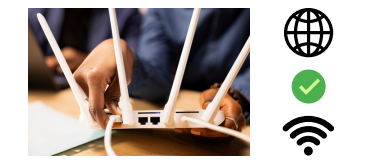
1) Check the internet connection in your club, where the PUSHIT System is connected to.
2) Check the cable connections of the camera on both ends: In the back of the camera and in the POE switch, the connector may be a little bit loose.
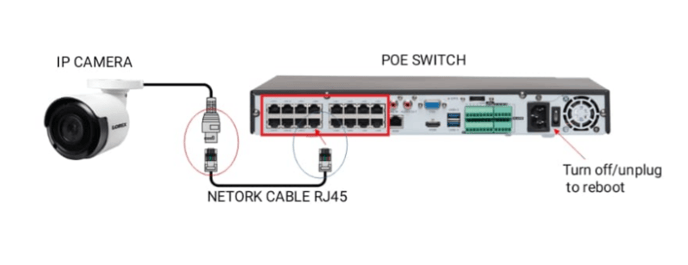
3) If all looks good, unplug the Switch from the power supply for 20 seconds, that will cut off the power supply of the camera and reboot it.
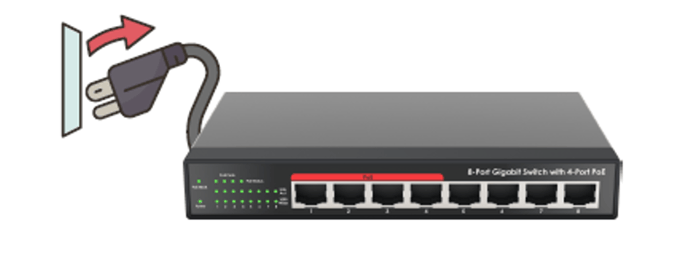
4) Plug the power back and test the system again, by pushing the button. Do you still have an issue?
Connect the camera's network cable to another available port, in the POE switch.
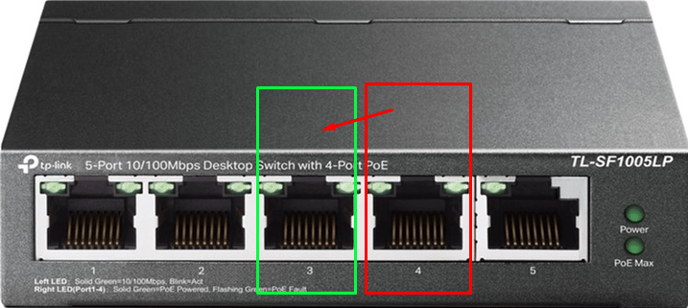
In case the problem is not resolved, let us know, and we will connect remotely to investigate.