![Sdfdcreenshot_1.png]](https://knowledge.pushitreplays.com/hs-fs/hubfs/Sdfdcreenshot_1.png?width=40&height=54&name=Sdfdcreenshot_1.png)
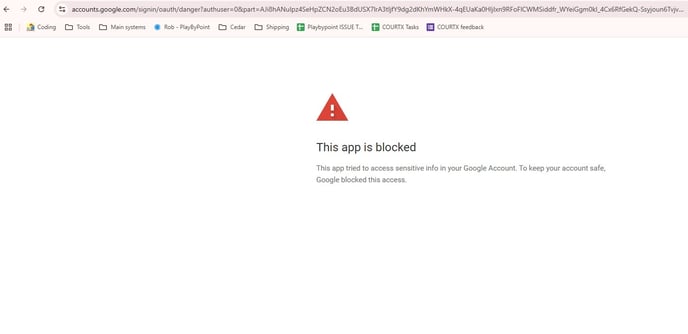 To resolve this, please follow these steps carefully:
1) Go to this link:
👉 https://myaccount.google.com/connections
Make sure you are logged in with the same Google account you’re trying to connect for the live stream.
2) Find and disconnect "PushIt" from the list of connected services.
3) Then, go to the PushIt dashboard and delete the existing channel.
4)Finally, add the channel again from scratch, using the same Google account.
This process should reset the connection and clear any permission conflicts.
Let us know once it’s done or if you run into any issues.